
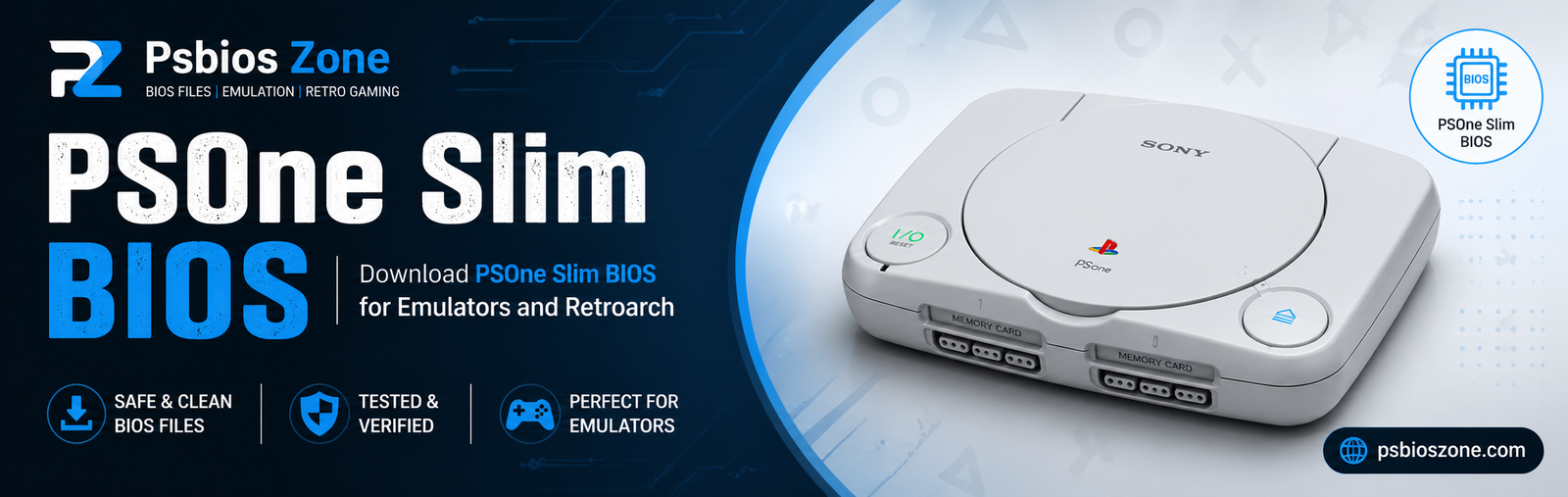
The PlayStation 1 era was a landmark moment in gaming history, bridging the gap between 2D sprites and the 3D polygons that define modern gaming. While the original “grey box” started the revolution, it was the PSOne Slim—the sleek, rounded redesign released in 2000—that perfected the hardware’s legacy. At the heart of this miniaturized marvel lies the PSOne Slim BIOS, a crucial piece of firmware that dictates how the console boots, interacts with hardware, and enforces regional locks.
At Psbios Zone, we specialize in the technical nuances of legacy hardware. Understanding the BIOS (Basic Input/Output System) is essential for collectors, modders, and emulation enthusiasts who want to preserve the authentic Sony experience.
What is the PSOne Slim BIOS?
The BIOS is the “soul” of the console. It is the first code that executes when you flip the power switch. For the PSOne Slim (models SCPH-100, 101, 102, etc.), the BIOS was refined significantly compared to the early 1994 launch models.
Key Functions of the BIOS:
- Hardware Initialization: Checking the CD-ROM drive, CPU, and GPU.
- The Startup Sequence: That iconic orange diamond and “Sony Computer Entertainment” logo.
- Region Verification: Ensuring a Japanese NTSC-J disc won’t boot on a North American NTSC-U console.
- Memory Card Management: Providing the built-in UI to delete or copy save files.
Why the PSOne Slim BIOS Stands Out
The PSOne Slim BIOS is often considered the most “mature” version of the PlayStation firmware. Sony spent years optimizing the code to fit smaller footprints and more integrated hardware.
- Reduced Component Count: In the Slim models, the BIOS chip is often integrated more tightly with the board’s logic, leading to faster access times compared to the original SCPH-1001 models.
- The “Shell” Interface: The PSOne Slim introduced a more modern, colorful GUI for the Memory Card and CD Player menu, departing from the starker, darker menus of the mid-90s.
- Stability: By the time the Slim was released, almost all “bugs” found in early BIOS revisions (like the famous “Skip” or “Swap” glitches) were patched, making it a rock-solid environment for gaming.
Technical Specifications and Versions
At Psbios Zone, we frequently get asked about version numbers. Depending on your region, your PSOne Slim will contain a specific BIOS revision.
| Model Number | Region | BIOS Version (Common) |
| SCPH-100 | Japan (NTSC-J) | v4.3 / v4.4 |
| SCPH-101 | North America (NTSC-U) | v4.5 |
| SCPH-102 | Europe (PAL) | v4.4 / v4.5 |
The most sought-after version for global compatibility and emulation stability is often v4.5, as it represents the final “master” build of the PlayStation 1 operating environment.
PSOne Slim BIOS in the World of Emulation
For many gamers today, physical hardware is becoming a luxury. This is where the PSOne Slim BIOS becomes a digital necessity. To achieve “High Level Emulation” (HLE), software like DuckStation or PCSX Reared requires an authentic BIOS file to function with 100% accuracy.
Why use a Slim BIOS for Emulation?
Using a PSOne Slim BIOS file ensures that game timing, audio synchronization, and memory card saves behave exactly as they did on the original 2000s hardware. Without it, emulators use “HLE BIOS” (simulated code), which can cause glitches in complex titles like Final Fantasy VII or Metal Gear Solid.
Note from Psbios Zone: Always ensure you are sourcing your BIOS files legally by dumping them from your own physical hardware.
Troubleshooting Common BIOS Issues
Even the sturdy PSOne Slim isn’t immune to the passage of time. If you are experiencing boot issues, the BIOS is often the first place to look.
- The “Sony” Logo Hangs: This usually indicates the BIOS cannot communicate with the CD-ROM drive. It’s checking for a “wobble” signal on the disc to verify authenticity.
- Black Screen on Boot: This could mean the BIOS chip itself has a cold solder joint or the motherboard has suffered power surges.
- Region Incompatibility: If your BIOS is a v4.4 PAL version, it will natively refuse to boot NTSC games. Users often turn to “FreePSXBoot” or modchips to bypass these BIOS-level restrictions.
The Psbios Zone Commitment to Preservation
Hardware fails, but code lives forever. At Psbios Zone, our mission is to educate the community on how to maintain and understand these digital foundations. The PSOne Slim BIOS isn’t just a startup screen; it is the bridge between a plastic box and the masterpiece of Castlevania: Symphony of the Night.
Whether you are looking to repair a physical SCPH-101 or setting up a high-end emulator on your PC, understanding the nuances of the Slim’s firmware is your first step toward an optimized gaming experience.
Final Thoughts
The PSOne Slim remains the peak of 32-bit design. Its BIOS is a testament to Sony’s ability to shrink a revolution into a backpack-sized console. Keep your firmware updated (in the case of emulators) and your hardware clean, and the PSOne will continue to provide joy for decades to come.
For more technical deep-dives into console firmware and retro hardware maintenance, stay tuned to Psbios Zone—your home for everything BIOS.