
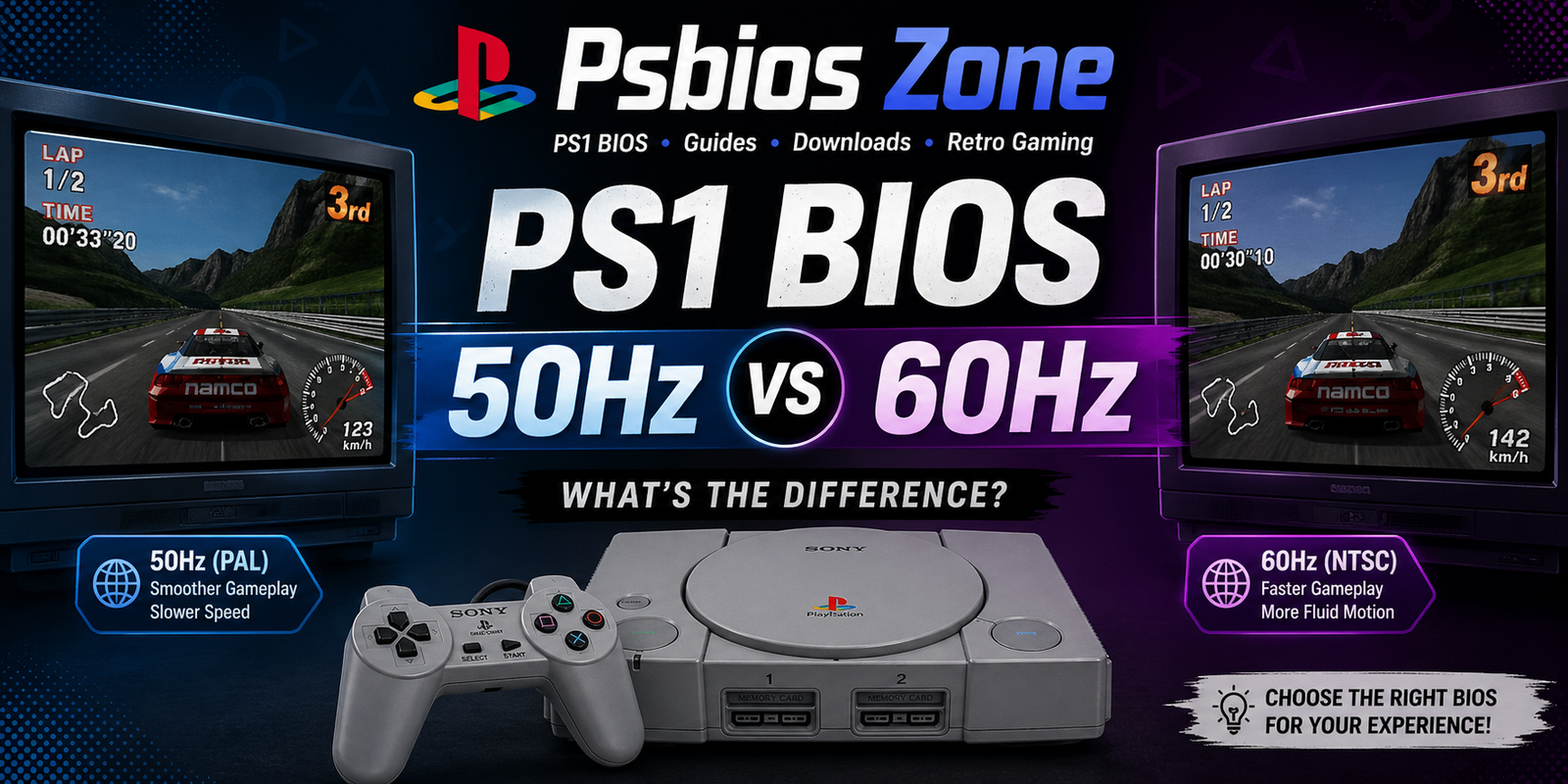
When setting up a PlayStation emulator or configuring your console, one important topic you’ll come across is PS1 BIOS 50Hz vs 60Hz. Understanding the difference between these two refresh rates can significantly affect your gaming experience, from speed to visual smoothness.
In this guide by Psbios Zone, we’ll break down everything you need to know about 50Hz and 60Hz BIOS settings, how they impact gameplay, and which option is best for your setup.
What Does 50Hz and 60Hz Mean in PS1 BIOS?
The terms 50Hz and 60Hz refer to the screen refresh rate—how many times per second the image updates on your display.
- 50Hz: Common in PAL regions (Europe, Australia)
- 60Hz: Standard in NTSC regions (USA, Japan)
This difference originates from older television standards, and it directly affects how PlayStation games run.
PS1 BIOS 50Hz vs 60Hz: Key Differences
1. Gameplay Speed
One of the most noticeable differences is speed.
- 50Hz (PAL) runs about 17% slower
- 60Hz (NTSC) runs at the intended original speed
This means games on 50Hz may feel slower, especially in action-heavy titles.
2. Frame Rate Performance
- 50Hz: Typically capped at 25 FPS (or 50 fields per second)
- 60Hz: Runs at 30 FPS (or 60 fields per second)
This makes 60Hz smoother and more responsive.
3. Visual Experience
- 50Hz may show black bars (letterboxing) due to resolution differences
- 60Hz fills the screen properly and looks more fluid
Gamers often prefer 60Hz for a better visual experience.
4. Game Optimization
Some PAL games were poorly optimized:
- Slower gameplay
- Audio desync issues
- Stretched or squashed screens
However, later PAL releases improved and included 60Hz options.
5. Compatibility with Emulators
Modern emulators (like ePSXe, DuckStation) allow you to choose BIOS regions.
- Using a 60Hz BIOS (NTSC) generally provides better compatibility
- Some games may require PAL BIOS (50Hz) to run correctly
Which One Should You Choose?
Choose 60Hz BIOS if:
- You want smoother gameplay
- You prefer faster game speed
- You’re playing NTSC games
- You want the original developer-intended experience
Choose 50Hz BIOS if:
- You’re running PAL-exclusive titles
- A game requires PAL compatibility
- You prefer original regional settings
Impact on Modern Displays
Modern TVs and monitors are optimized for higher refresh rates like 60Hz or more. Running PS1 games at 50Hz can sometimes cause:
- Screen flickering
- Compatibility issues
- Input lag
That’s why most players today prefer 60Hz, especially when using emulators.
Does BIOS Region Affect Game Performance?
Yes, it can. The BIOS determines how the system behaves, including:
- Region lock compatibility
- Timing and refresh rate
- Game boot behavior
Using the wrong BIOS may lead to glitches or slower performance.
Best Setup Recommendation (Psbios Zone)
At Psbios Zone, we recommend:
- Use NTSC (60Hz) BIOS for most games
- Switch to PAL (50Hz) only when necessary
- Enable emulator settings like frame skipping carefully
- Match BIOS region with game region when possible
Final Thoughts
Understanding PS1 BIOS 50Hz vs 60Hz is essential for getting the best possible gaming experience. While 50Hz has historical relevance, 60Hz is generally superior in terms of speed, smoothness, and compatibility with modern hardware.
Whether you’re a retro gaming enthusiast or just setting up your emulator, choosing the right BIOS can make a big difference.
For more guides and BIOS resources, stay connected with Psbios Zone—your trusted source for PlayStation setup tips.