
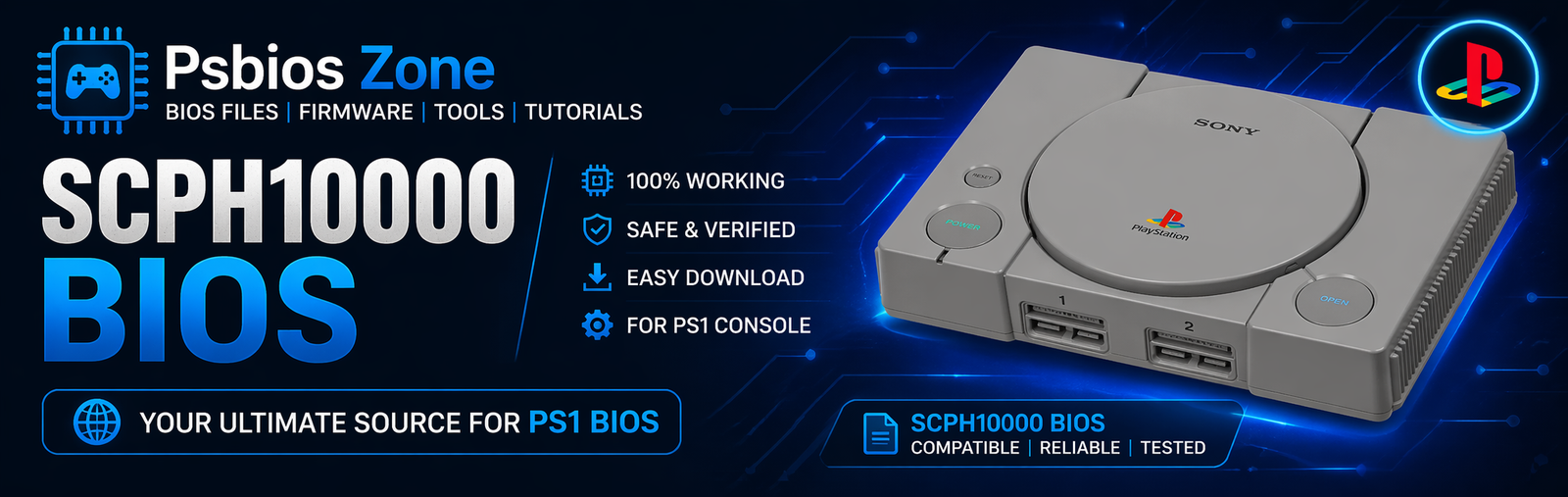
The SCPH10000 BIOS is one of the earliest BIOS versions released for the original Japanese PlayStation 2 console. If you are using a PS2 emulator like PCSX2, understanding the role of the SCPH10000 BIOS can help improve compatibility and performance for classic Japanese PS2 games. At Psbios Zone, we provide helpful guides to make your PS2 emulation experience smoother and easier.
What Is SCPH10000 BIOS?
The SCPH10000 BIOS is the firmware file from the first-generation Japanese PlayStation 2 console launched by Sony in 2000. BIOS stands for Basic Input/Output System, and it is responsible for booting the console and managing hardware communication.
In emulators, the SCPH10000 BIOS acts as the bridge between the emulator and the game software, allowing the emulator to mimic the original hardware environment.
Features of SCPH10000 BIOS
Here are some key features of the SCPH10000 BIOS:
- Supports early Japanese PlayStation 2 titles
- Provides authentic PS2 startup animation
- Ensures better compatibility for region-specific games
- Helps emulators like PCSX2 run games more accurately
- Contains original firmware settings for the SCPH10000 console
Why Use SCPH10000 BIOS?
Using the SCPH10000 BIOS can be beneficial for users who want:
1. Better Compatibility
Some Japanese-exclusive PS2 games work best with the original Japanese BIOS.
2. Authentic Experience
You get the original boot screen and system interface from the first PS2 model.
3. Improved Emulation Accuracy
The emulator can replicate the exact behavior of the original console firmware.
How to Set Up SCPH10000 BIOS in PCSX2
Follow these steps to configure the SCPH10000 BIOS:
Step 1: Download the BIOS File
Make sure you have the SCPH10000 BIOS file legally dumped from your own console.
Step 2: Install PCSX2
Download and install the latest version of the PCSX2 emulator.
Step 3: Move BIOS Files
Place the BIOS files in the PCSX2 BIOS folder.
Example path:
Documents/PCSX2/bios
Step 4: Configure BIOS
Open PCSX2, go to BIOS settings, and select SCPH10000 BIOS.
Step 5: Launch Your Game
Start your favorite Japanese PS2 game and enjoy smooth emulation.
Common Issues and Fixes
BIOS Not Detected
Ensure the BIOS file is in the correct folder and not compressed.
Black Screen
Try changing graphics settings or using a different renderer.
Game Lag
Lower the internal resolution or enable speed hacks in PCSX2.
Is SCPH10000 BIOS Legal?
The SCPH10000 BIOS is copyrighted by Sony. You should only use BIOS files dumped from your own PlayStation 2 console. Downloading copyrighted BIOS files from unofficial websites may violate laws in your country.
Best Games to Use with SCPH10000 BIOS
Some Japanese games that may work better with this BIOS include:
- Final Fantasy X International
- Kingdom Hearts Final Mix
- Gran Turismo 3 A-Spec
- Tekken Tag Tournament
Final Thoughts
The SCPH10000 BIOS is an important file for anyone looking to emulate early Japanese PlayStation 2 games with maximum compatibility and authenticity. Whether you are a retro gamer or just exploring classic PS2 titles, using the correct BIOS can make a big difference.
At Psbios Zone, we aim to provide accurate and easy-to-follow guides for all your PS2 BIOS and emulator setup needs.