
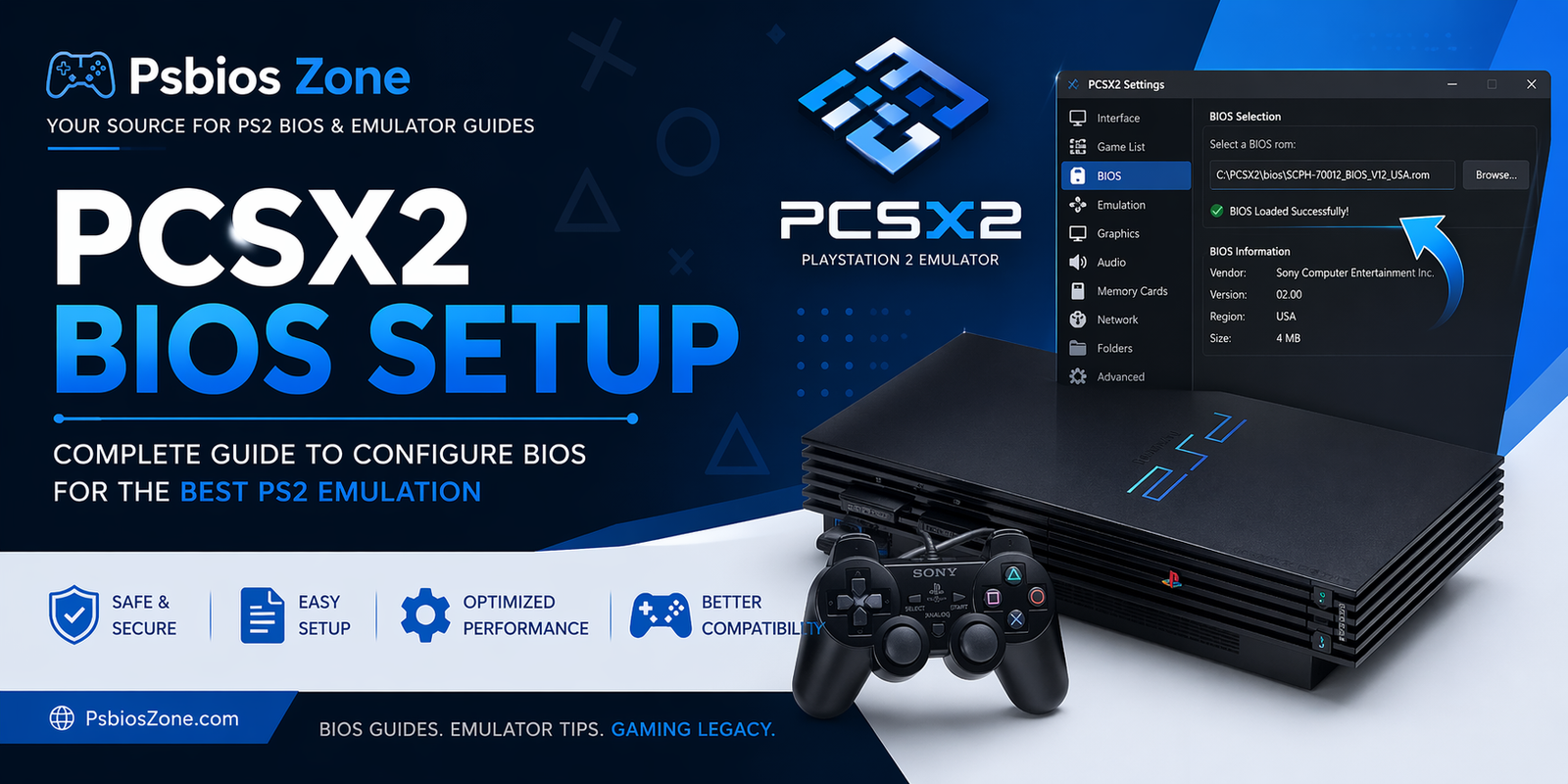
If you want to enjoy classic PlayStation 2 games on your PC, proper PCSX2 BIOS setup is the most important step. Without the correct BIOS file, the emulator won’t work properly. At Psbios Zone, we help users understand how to safely set up BIOS files and configure PCSX2 for the best gaming experience.
In this detailed guide, you’ll learn everything about PCSX2 BIOS setup, including what a BIOS is, why it matters, and how to install it correctly.
What Is PCSX2 BIOS?
The BIOS (Basic Input/Output System) is firmware originally found in a real PlayStation 2 console. It helps the console boot games and manage hardware functions. In emulation, PCSX2 requires this BIOS file to mimic the original PS2 environment.
Without a valid BIOS:
- PCSX2 cannot start games.
- You may encounter boot errors.
- Compatibility and performance issues may occur.
That’s why proper PCSX2 BIOS setup is essential.
Why Is BIOS Required for PCSX2?
PCSX2 is one of the most popular PS2 emulators available for Windows, Linux, and macOS. It uses BIOS files to:
- Start the PS2 system menu
- Run game discs or ISO files
- Enable memory card management
- Ensure better compatibility
A correct PCSX2 BIOS setup improves stability and game performance.
Requirements for PCSX2 BIOS Setup
Before starting, make sure you have:
- The latest PCSX2 emulator installed
- A legal PS2 BIOS dump from your own console
- PS2 game ISO files or original discs
- A compatible PC or laptop
Recommended PC specs:
- Intel Core i3/i5 or AMD Ryzen CPU
- 8GB RAM or more
- Dedicated GPU for higher resolutions
How to Download and Install PCSX2
Follow these steps:
Step 1: Download PCSX2
Visit the official PCSX2 website and download the latest version for your operating system.
Install it by following the on-screen instructions.
Step 2: Create BIOS Folder
After installation, PCSX2 usually creates a BIOS folder automatically.
Typical path:
Documents\PCSX2\bios
or
C:\Program Files\PCSX2\bios
How to Perform PCSX2 BIOS Setup
Now follow these steps carefully:
Step 1: Copy BIOS Files
Place your BIOS files inside the BIOS folder.
Common BIOS filenames include:
- SCPH-10000.bin
- SCPH-30001.bin
- SCPH-39001.bin
- SCPH-70012.bin
Step 2: Launch PCSX2
Open the emulator.
On first launch, it will detect BIOS files automatically.
Step 3: Select BIOS Region
Choose the BIOS version that matches your game region:
- USA BIOS for NTSC-U games
- Europe BIOS for PAL games
- Japan BIOS for NTSC-J games
This is an important part of PCSX2 BIOS setup for compatibility.
Step 4: Save Settings
Click Finish or Apply Settings.
Your BIOS is now configured.
Additional PCSX2 Settings for Better Performance
After BIOS setup, optimize these settings:
Graphics Settings
Go to Config > Graphics and adjust:
- Internal Resolution: 2x or 3x Native
- Renderer: Direct3D 11/12 or Vulkan
- Texture Filtering: Bilinear
Speed Hacks
Enable speed hacks for low-end PCs:
- MTVU (Multi-Threaded microVU1)
- EE Cyclerate adjustments
Controller Setup
Configure your keyboard or gamepad under:
Config > Controllers
Common PCSX2 BIOS Setup Errors and Fixes
Here are common issues users face:
BIOS Not Found
Fix:
- Check BIOS folder path
- Re-scan BIOS directory
- Ensure file extension is .bin
Black Screen on Boot
Fix:
- Use another BIOS version
- Change renderer to Vulkan or Direct3D
Slow Performance
Fix:
- Lower internal resolution
- Enable speed hacks
- Close background apps
Is PCSX2 BIOS Setup Legal?
PCSX2 itself is legal.
However, downloading BIOS files from unauthorized sources may violate copyright laws. The safest way is to dump BIOS from your own PS2 console.
At Psbios Zone, we recommend using legally owned BIOS files only.
Best Games to Play After PCSX2 BIOS Setup
Once everything is ready, try these classics:
- God of War
- God of War II
- Shadow of the Colossus
- Grand Theft Auto: San Andreas
- Tekken 5
These games run great with proper PCSX2 BIOS setup.
Final Words
A proper PCSX2 BIOS setup is the key to smooth PS2 emulation. Once configured correctly, PCSX2 can deliver excellent graphics, stable performance, and access to your favorite PlayStation 2 classics.
At Psbios Zone, we provide helpful guides and tutorials to make PS2 emulation easy for everyone.
Follow the steps above and start enjoying retro gaming today