
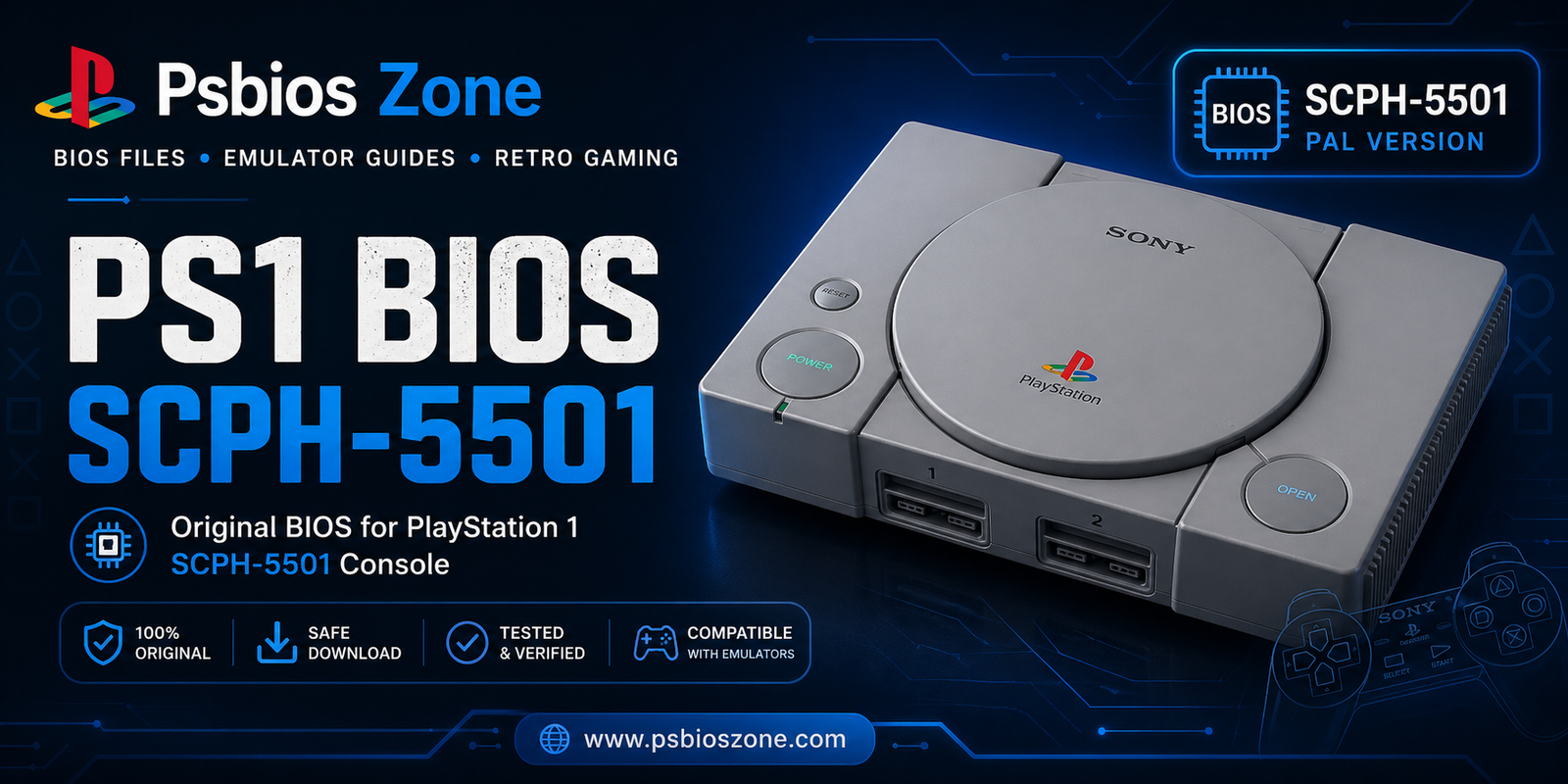
The Sony PlayStation 1 remains a cornerstone of gaming history, housing a library of classics that defined genres. However, as original hardware ages, the preservation of these experiences has shifted toward the digital realm of emulation. At Psbios Zone, we understand that the heart of a perfect emulation setup isn’t just the software you use, but the PS1 BIOS SCPH-5501—the critical “soul” of the console that bridges the gap between hardware and software.
What is the PS1 BIOS SCPH-5501?
The BIOS (Basic Input/Output System) is the low-level software embedded in the PlayStation’s hardware. It is the first thing that runs when the console is powered on. The SCPH-5501 version specifically belongs to the NTSC-U (North American) revision of the PlayStation.
Released during the mid-cycle of the PS1’s lifespan, the SCPH-5501 is often cited by enthusiasts at Psbios Zone as the “Goldilocks” version of the BIOS. It is newer than the launch models, which had overheating issues and less refined firmware, but older than the late-stage PS One (Slim) models, which occasionally introduced minor compatibility quirks with certain legacy titles.
Why the SCPH-5501 is Essential for Emulation
If you are using emulators like ePSXe, DuckStation, or RetroArch, you’ve likely encountered a prompt asking for a BIOS file. While some emulators can “HLE” (High-Level Emulate) the BIOS, it is rarely 100% accurate. To achieve a “pixel-perfect” experience, the PS1 BIOS SCPH-5501 is required for several reasons:
- Boot Sequence Authenticity: Nothing beats the nostalgic sight and sound of the Sony Orange Diamond and the PlayStation logo. The SCPH-5501 provides this iconic startup.
- Memory Card Management: Using the official BIOS ensures that your virtual memory cards are managed exactly like the original hardware, preventing save file corruption.
- Regional Timing: Since the SCPH-5501 is an NTSC-U BIOS, it ensures that North American games run at their native 60Hz refresh rate, preventing the “slow-down” often found in PAL (50Hz) conversions.
- Improved Game Compatibility: Certain games utilize specific BIOS calls to function. Without the SCPH-5501, games like Chrono Cross or Legend of Dragoon might experience crashes or graphical glitches.
Technical Specifications of the SCPH-5501
The SCPH-5501 was a part of the “PU-18” motherboard revision. This version saw a significant optimization of the internal code. Here is a quick breakdown of what makes this revision unique:
- Region: North America (NTSC-U)
- Release Date: Circa 1997
- Firmware Version: 3.0
- Key Feature: Introduction of the optimized CD-ROM controller code which improved seek times and reduced “FMV stutter” in early games.
How to Set Up PS1 BIOS SCPH-5501 in Your Emulator
Once you have acquired your file from Psbios Zone, setting it up is a straightforward process. While every emulator is different, the core steps remain consistent.
1. File Naming and Formatting
The BIOS file is typically named SCPH5501.BIN. It is vital that the file extension is .BIN and not uppercase or lowercase depending on your emulator’s specific requirements (some Linux-based systems are case-sensitive).
2. Directory Placement
Place the file in the “BIOS” folder of your emulator.
- For DuckStation: Go to
Settings > BIOS > Open BIOS Directory. - For RetroArch: Place it in the
systemfolder.
3. BIOS Selection
In your emulator settings, navigate to the BIOS or System tab. Ensure that the emulator is pointing to the SCPH5501.BIN file. At Psbios Zone, we recommend “binding” this specific BIOS to all North American (USA) games to ensure the highest stability.
Troubleshooting Common Issues
Even with the correct PS1 BIOS SCPH-5501, users occasionally run into hurdles. Here are the most common solutions provided by our experts:
- MD5 Checksum Mismatch: If your games aren’t loading, verify the MD5 hash of your file. A genuine SCPH-5501 BIOS should have an MD5 hash of
0555C6E89596C345DEFD95644733C576. - Black Screen on Boot: This often happens if the BIOS is set to the wrong region for the game you are trying to play. While the SCPH-5501 is robust, always ensure your game ISO matches the NTSC-U region.
- Controller Not Recognized: The BIOS handles the initial “handshake” with the controller. If you are using a DualShock 4 or DualSense, ensure your emulator’s input settings are set to “Standard Controller” or “Analog” depending on what the BIOS version 3.0 expects.
Legal and Ethical Considerations
At Psbios Zone, we advocate for the legal preservation of gaming history. The BIOS is copyrighted software owned by Sony Interactive Entertainment. The most ethical way to obtain the PS1 BIOS SCPH-5501 is to dump it from your own physical PlayStation console using a “freepsxboot” memory card or a serial port tool. This ensures you are staying within the realm of fair use for personal backup purposes.
Final Thoughts
The PS1 BIOS SCPH-5501 remains the industry standard for those seeking a stable, high-performance emulation environment for North American titles. Its balance of mature firmware and high compatibility makes it an essential component for any retro gaming enthusiast.
By choosing the right BIOS and following the guides provided by Psbios Zone, you aren’t just playing a game—you are preserving the legacy of the 32-bit era in its purest form. Whether you are revisiting the halls of Resident Evil or the race tracks of Gran Turismo, the SCPH-5501 ensures your journey is as smooth as it was in 1997.