
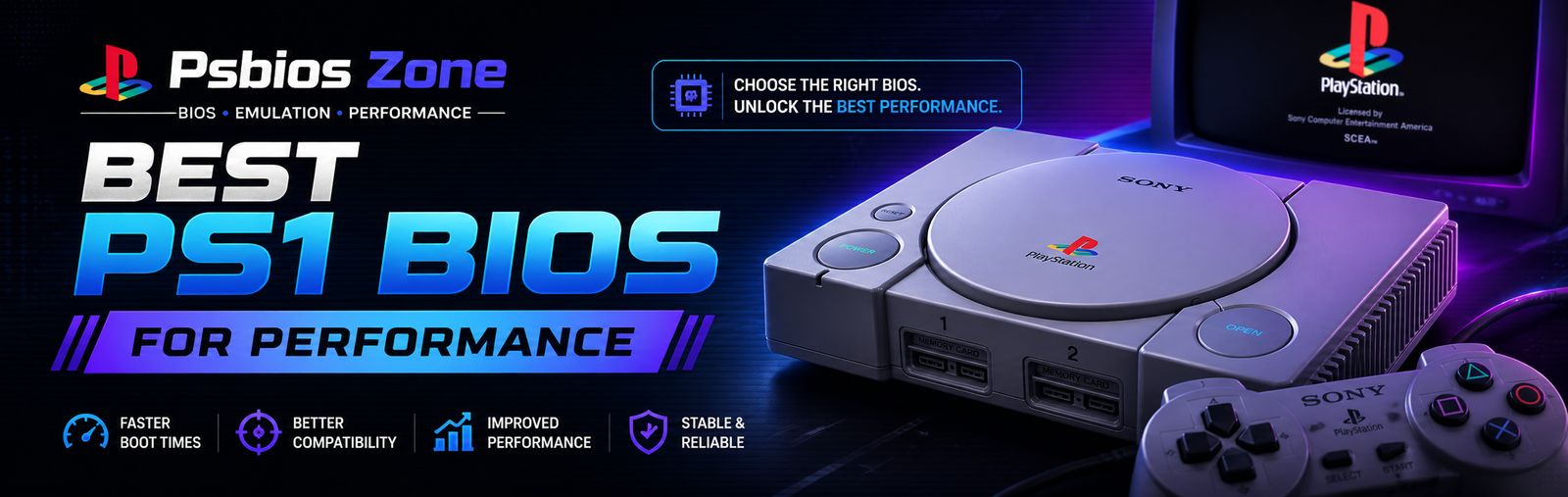
When it comes to running classic PlayStation games smoothly on an emulator, choosing the best PS1 BIOS for performance is one of the most important steps. Many users focus on the emulator itself but overlook the BIOS, which plays a crucial role in ensuring speed, compatibility, and stability.
In this guide by Psbios Zone, we’ll break down everything you need to know about selecting the right PS1 BIOS for optimal performance and how it impacts your gaming experience.
What Is a PS1 BIOS and Why It Matters
The PS1 BIOS (Basic Input/Output System) is firmware originally found in the PlayStation console. It acts as a bridge between the hardware and software, allowing games to run properly.
When using emulators like ePSXe or DuckStation, the BIOS is essential because:
- It ensures accurate emulation
- Improves compatibility with games
- Reduces glitches and crashes
- Enhances overall performance
Without the correct BIOS, even the best emulator may struggle to deliver smooth gameplay.
Best PS1 BIOS for Performance
Not all BIOS files perform equally. Some versions are optimized better and offer improved compatibility with a wide range of games.
Top Recommended PS1 BIOS Versions
1. SCPH1001.BIN (USA BIOS)
This is widely considered the best PS1 BIOS for performance.
Why it stands out:
- Excellent compatibility with most games
- Stable and reliable
- Works perfectly with popular emulators
- Minimal lag and fewer crashes
This BIOS is often the first choice for gamers looking for consistent performance.
2. SCPH7502.BIN (Europe BIOS)
A solid alternative, especially for PAL-region games.
Key benefits:
- Smooth performance for European titles
- Good compatibility across emulators
- Slightly optimized for certain game types
3. SCPH5501.BIN (USA BIOS)
Another high-performance option that balances speed and stability.
Advantages:
- Faster boot times
- Strong compatibility
- Fewer graphical glitches
How BIOS Affects Performance
The BIOS you choose directly impacts:
1. Game Speed
A well-optimized BIOS ensures games run at their intended frame rate without stuttering.
2. Compatibility
Some BIOS versions work better with specific games. Choosing the right one prevents crashes or black screens.
3. Graphics and Audio
Incorrect BIOS files can cause visual glitches, sound issues, or lag.
Tips to Get the Best Performance
To fully optimize your setup, follow these expert tips from Psbios Zone:
✔️ Use a Trusted Emulator
Pair your BIOS with reliable emulators like:
- ePSXe
- DuckStation
- RetroArch
✔️ Match BIOS Region with Game
Always use:
- USA BIOS for NTSC-U games
- Europe BIOS for PAL games
- Japan BIOS for NTSC-J games
This reduces compatibility issues.
✔️ Enable Emulator Enhancements
Modern emulators allow you to:
- Increase resolution
- Enable hardware acceleration
- Use frame skipping (if needed)
These settings improve performance significantly.
✔️ Keep Files Clean and Organized
Avoid corrupted BIOS files. Always verify your files before use.
Common Mistakes to Avoid
Many users fail to achieve optimal performance due to simple mistakes:
- Using outdated BIOS versions
- Mixing BIOS regions with incompatible games
- Downloading corrupted or fake BIOS files
- Ignoring emulator settings
Avoiding these mistakes can dramatically improve your gaming experience.
Is One BIOS Enough for All Games?
Not always. While SCPH1001 is considered the best PS1 BIOS for performance, some games may run better on other versions.
For best results:
- Keep multiple BIOS files
- Switch between them if needed
- Test performance for specific games
This approach ensures maximum compatibility and smooth gameplay.
Why Choose Psbios Zone
At Psbios Zone, we focus on providing reliable information and guidance for emulator users. Our goal is to help you:
- Choose the best BIOS files
- Optimize emulator performance
- Enjoy classic gaming without issues
We simplify technical concepts so anyone can set up and run PS1 games easily.
Conclusion
Selecting the best PS1 BIOS for performance is essential for smooth, stable, and enjoyable gameplay. Among all options, SCPH1001.BIN stands out as the top choice due to its reliability and compatibility.
However, having alternative BIOS versions like SCPH7502 and SCPH5501 can further enhance your experience, especially for region-specific games.
By following the tips in this guide from Psbios Zone, you can unlock the full potential of your PS1 emulator and relive classic games without lag or issues.
FAQs
1. What is the best PS1 BIOS for performance?
SCPH1001.BIN is widely considered the best due to its stability and compatibility.
2. Can I use any BIOS for all games?
Not always. Some games perform better with region-specific BIOS files.
3. Does BIOS improve FPS in emulators?
Yes, the right BIOS can improve stability and reduce lag, leading to smoother gameplay.
4. Is PS1 BIOS required for emulators?
Yes, most emulators need a BIOS file to function correctly.