
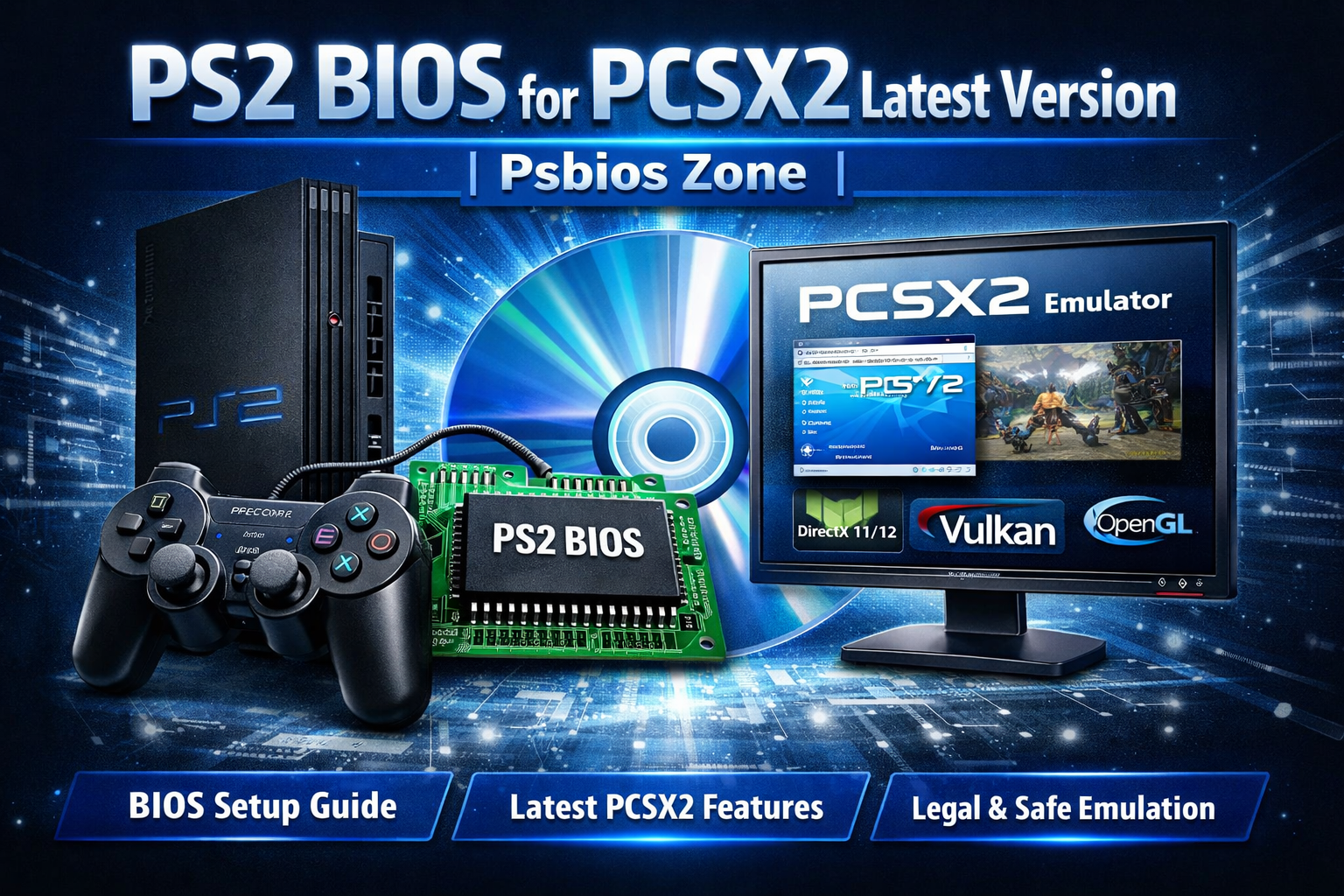
The PlayStation 2 (PS2) remains one of the most beloved game consoles ever made, with a massive library of iconic titles. Thanks to emulator projects like PCSX2, gamers can legally relive these classics on modern computers — provided they own the original hardware and dump the BIOS themselves.
In this article, you’ll learn what the PS2 BIOS is, why it matters for PCSX2, how to get it legally, and what the latest PCSX2 version offers.
📌 What Is PS2 BIOS?
BIOS stands for Basic Input/Output System. On the PS2 console, the BIOS is a core firmware that:
- Starts up the system
- Handles hardware initialization
- Loads games and manages system functions
Without the PS2 BIOS, the PlayStation 2 emulator PCSX2 cannot run games, because the emulator relies on this original firmware to mimic the console’s behavior.
⚠️ Important: The PS2 BIOS is copyrighted Sony software. Sharing or downloading it from public repositories is illegal unless you dump it from your own PS2 console.
🔍 Why PCSX2 Requires PS2 BIOS
PCSX2 is an open-source emulator that translates PS2 game code into something your PC can understand. However:
- It does not include PS2 BIOS files for legal reasons
- It requires users to extract the BIOS from their own PlayStation 2 console
- This ensures compliance with copyright and preserves developer rights
Without a proper BIOS dump from your PS2, PCSX2 will display an error like:
“BIOS files not found — Please select your PS2 BIOS directory.”
🆕 Latest PCSX2 Version – What’s New?
As of the most recent releases, PCSX2 continues to improve compatibility and performance. Key features include:
✅ Better Compatibility
- More PS2 titles now boot without glitches
- Improvements to graphics and sound replication
✅ Hardware Acceleration
- Support for DirectX 11 / 12, Vulkan, and OpenGL
- Enhanced speed and shader accuracy
✅ Save States & Cheats
- Save progress anywhere, even mid-game
- Integrates cheat systems for trainers and game enhancements
✅ Controller Support
- Full support for DualShock and other USB controllers
- Custom mapping and force feedback
Always check PCSX2’s official website for the latest stable builds and detailed changelogs.
📥 Legal Ways to Get Your PS2 BIOS
To use PCSX2 legally, follow these steps:
- Use your own PS2 console
You must own a physical PS2 unit. - Dump the BIOS from the PS2
Tools like PS2 BIOS dumper software on the console or via hardware mods allow extraction of the firmware. - Transfer to your PC
Once dumped, place the BIOS files into PCSX2’s “bios” folder. - Configure PCSX2
In the emulator, point it to your BIOS directory and select the appropriate region version (e.g., NTSC-U, PAL, JAP).
If you don’t have BIOS files yet, you can learn more about PS2 firmware and supported versions here: PS2 Bios — a resource that explains how BIOS files work and what each region/version means.
🎮 Setting Up PCSX2: Step-by-Step (Quick)
- Download PCSX2 from the official site
- Install the emulator
- Place your PS2 BIOS files into the /bios folder
- Launch PCSX2
- Select your BIOS region and version
- Configure graphics, audio, and controls
- Load your legally owned PS2 game ISO
🧠 Common PS2 BIOS Versions Explained
The PS2 BIOS varies by region:
| Region | Label | Description |
| NTSC-U | USA / Canada | Standard North American firmware |
| NTSC-J | Japan | Japanese firmware |
| PAL | Europe / Australia | European firmware (50 Hz) |
Each region may affect game speed and compatibility, so selecting the right BIOS helps ensure accurate emulation.
❓ FAQs
📌 Can I download PS2 BIOS online?
No. Public downloads of PS2 BIOS are copyright violations. You should only use BIOS files extracted from your own console.
📌 Is PCSX2 free?
Yes — PCSX2 is open-source and free to download.
📌 Does BIOS affect performance?
Yes — correct BIOS ensures accurate emulation, better game compatibility, and loader stability.
🏁 Conclusion
The PS2 BIOS is an essential component for running PCSX2 — but it must be obtained legally from your own PlayStation 2 hardware. The latest PCSX2 versions offer improved compatibility, performance options, and rich configuration tools for modern gamers.
For more details on BIOS versions and guidance around PS2 firmware, visit PS2 Bios.