
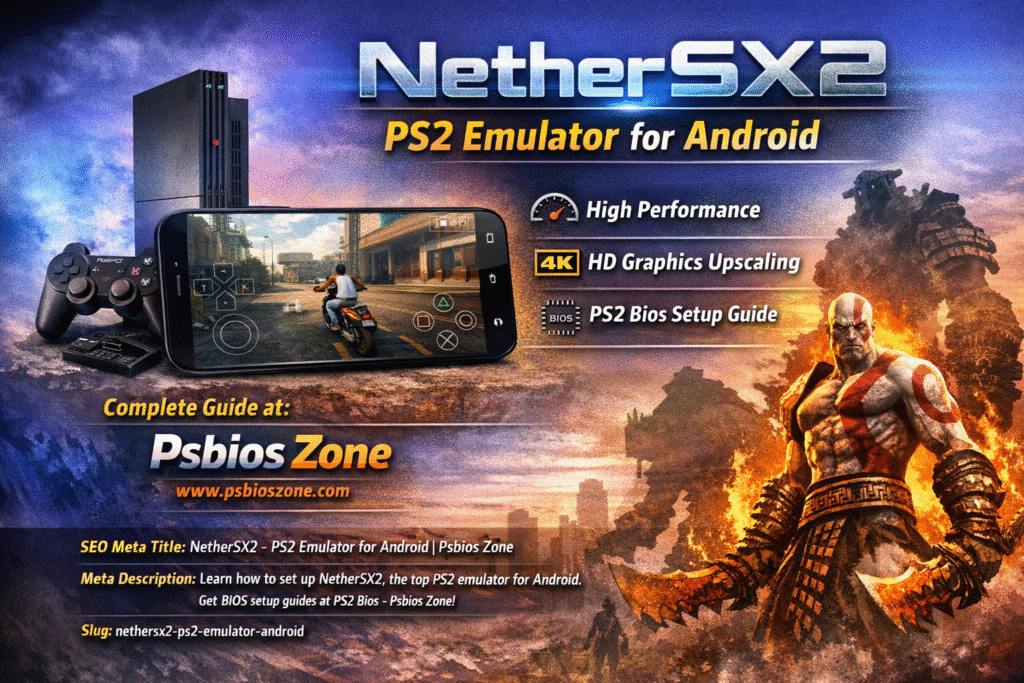
The PlayStation 2 (PS2) stands as one of the most legendary and influential gaming consoles of all time. Released by Sony in 2000, the PS2 introduced legendary titles and revolutionized gaming. Even today, many gamers want to revisit classic PS2 games like God of War, Shadow of the Colossus, Gran Turismo, and Grand Theft Auto: San Andreas.
With the advancement of mobile technology, it is now possible to play these classic games on smartphones using powerful emulators. One of the most popular PS2 emulators available today is NetherSX2. This emulator allows Android users to experience PlayStation 2 games directly on their mobile devices with improved graphics and smooth performance.
In this comprehensive guide from Psbios Zone, we will explore everything you need to know about NetherSX2, including how it works, its features, installation steps, system requirements, and tips for achieving the best gaming performance.
What is NetherSX2?
NetherSX2 is an Android-based emulator that brings the PlayStation 2 gaming experience to mobile devices. It enables users to run PS2 game files such as ISO or ROM images on smartphones and tablets. The emulator recreates the hardware environment of the original PS2 console, allowing modern mobile devices to execute PS2 games smoothly.
NetherSX2 is based on the source code of AetherSX2, which was once the most popular PS2 emulator for Android. After AetherSX2 stopped active development, NetherSX2 emerged as a modified version that removes advertisements and improves stability.
With proper configuration and a compatible device, NetherSX2 can deliver a gaming experience similar to playing on the original PlayStation 2 console.
Why NetherSX2 is Popular Among Gamers
NetherSX2 has quickly gained popularity among retro gaming enthusiasts for several reasons. Modern smartphones now have powerful processors and graphics units capable of running console-level games, making PS2 emulation possible on mobile platforms.
Some of the main reasons gamers prefer NetherSX2 include:
- Smooth performance on modern Android devices
- Advanced graphics enhancements
- No advertisements in the emulator
- Support for external controllers
- Wide compatibility with PS2 game titles
These features make NetherSX2 one of the best solutions for playing PlayStation 2 games on mobile devices.
Key Features of NetherSX2
High-Performance Emulation
NetherSX2 uses optimized CPU and GPU emulation techniques to replicate the PlayStation 2 hardware architecture. By utilizing multi-core processors, the emulator can maintain stable frame rates for many PS2 games.
Enhanced Graphics and Upscaling
Unlike the original PS2 console, NetherSX2 allows users to improve game visuals significantly. You can increase the internal resolution, apply texture filtering, and enable anti-aliasing. These enhancements make older PS2 games look sharper and clearer on modern high-resolution displays.
Customizable Controls
The emulator provides fully customizable touch controls. Users can rearrange on-screen buttons, adjust their size, or connect external Bluetooth controllers for a more comfortable gaming experience.
Save States
Save state functionality allows players to save their progress instantly at any moment in the game. This feature is extremely useful for difficult sections where frequent saving is required.
Game Library Management
NetherSX2 automatically scans your device storage and organizes PS2 game files into a library. This makes it easier to browse and launch your games directly from the emulator interface.
Controller Support
Gamers who prefer a console-like experience can connect controllers through Bluetooth or USB. Many popular gamepads are compatible with the emulator.
Why a PS2 BIOS File is Required
To properly emulate the PlayStation 2 hardware, NetherSX2 requires a PS2 BIOS file. The BIOS acts as the firmware of the console and contains essential system instructions needed to boot and run games.
Since BIOS files are copyrighted, they are not included with the emulator. Users must add the BIOS manually during the setup process.
If you are looking for a reliable resource and setup guide, you can visit PS2 Bios on Psbios Zone, where you can learn more about BIOS files and emulator configuration.
System Requirements for NetherSX2
Running PS2 games on Android requires relatively powerful hardware. While some older devices may run lighter games, demanding titles require modern processors and sufficient RAM.
Minimum Requirements
- Android 7.0 or higher
- 4 GB RAM
- Quad-core processor
- Mid-range GPU
Recommended Requirements
- Android 10 or higher
- 6 GB RAM or more
- Octa-core processor
- High-performance GPU (Adreno or Mali series)
Devices with stronger hardware will deliver smoother gameplay and allow higher graphical settings.
How NetherSX2 Works
NetherSX2 works by emulating the internal architecture of the PlayStation 2 console. The emulator recreates several important hardware components, including:
- Emotion Engine CPU
- Graphics Synthesizer (GPU)
- Memory architecture
- Input and controller systems
When a PS2 game ISO file is loaded, the emulator translates the original instructions into commands that Android hardware can execute. This process allows games originally designed for the PlayStation 2 to run on completely different hardware platforms.
How to Install NetherSX2 on Android
Setting up NetherSX2 is relatively straightforward. Follow these steps to install and configure the emulator.
Step 1: Download the Emulator
Download the NetherSX2 APK file from a trusted source.
Step 2: Enable Unknown Sources
Open your Android device settings and allow installation from unknown sources.
Settings → Security → Install Unknown Apps
Step 3: Install the Emulator
Open the downloaded APK file and install NetherSX2 on your device.
Step 4: Import the BIOS File
Launch the emulator and select the option to import a PS2 BIOS file.
Step 5: Add PS2 Games
Place your PS2 ISO files in a folder on your device and scan that folder inside the emulator.
Once these steps are complete, you can start playing PS2 games on your Android device.
Tips to Improve NetherSX2 Performance
If you experience slow gameplay or lag, try adjusting these settings:
Lower the internal resolution
Enable frame skipping
Use Vulkan graphics rendering
Reduce graphical effects
Close background applications
These adjustments can significantly improve performance on mid-range smartphones.
NetherSX2 vs Other PS2 Emulators
Several PS2 emulators are available today, but NetherSX2 stands out because of its balance between performance and usability.
| Emulator | Platform | Ads | Performance |
| NetherSX2 | Android | No | High |
| AetherSX2 | Android | Some versions | High |
| DamonPS2 | Android | Yes | Medium |
| PCSX2 | PC | No | Very High |
While PCSX2 remains the most powerful emulator on desktop systems, NetherSX2 provides one of the best PS2 experiences on Android devices.
Advantages and Limitations
Advantages
- Free and ad-free emulator
- Advanced graphics enhancements
- Large library of compatible games
- Support for controllers and touch controls
- Portable gaming experience
Limitations
- Requires powerful hardware
- Setup process may be confusing for beginners
- Some games may have compatibility issues
Frequently Asked Questions
Is NetherSX2 free to use?
Yes, NetherSX2 is completely free and does not include advertisements.
Can I play all PS2 games on NetherSX2?
Many games run well, but compatibility depends on the game and your device hardware.
Is NetherSX2 available for iPhone?
Currently, NetherSX2 is only available for Android devices.
Do I need a BIOS file to use NetherSX2?
Yes, a PS2 BIOS file is required for the emulator to boot and run games.
Is NetherSX2 safe to use?
Yes, if you download it from trusted sources and follow proper installation steps.
Final Thoughts
NetherSX2 has quickly become one of the most powerful PS2 emulators available for Android devices. With improved performance, enhanced graphics, and customizable controls, it allows gamers to relive the legendary PlayStation 2 era directly on their smartphones.
However, proper setup is essential. Installing the correct BIOS file and configuring emulator settings will ensure smooth gameplay and better performance.
For detailed setup instructions and reliable BIOS resources, visit Psbios Zone and explore the PS2 Bios guide to get started with PS2 emulation.
With the right configuration and hardware, NetherSX2 can turn your Android device into a portable PlayStation 2 gaming console, allowing you to enjoy classic titles anytime and anywhere.