Download PS2 BIOS Files (USA, Japan, Europe, China) – All Regions Included
Looking to run PlayStation 2 games on your emulator? You’ll need the correct PS2 BIOS file to get started. This page offers direct downloads for all regional BIOS versions—USA (NTSC-U), Europe (PAL), Japan (NTSC-J), and China (NTSC-C). All BIOS files are thoroughly tested, verified, and 100% safe for use on your PC or mobile device.
What Is the PS2 BIOS?
The PlayStation 2 BIOS is a vital component that replicates the system firmware of the original PS2 console. It enables your emulator to:
Boot games
Initialize hardware settings
Manage system-level operations
Without a BIOS file, emulators like PCSX2 won’t function correctly—making the BIOS a non-negotiable requirement for PS2 game emulation.
Download PS2 BIOS Files for All Regions – USA, PAL, NTSC, NTSC-J
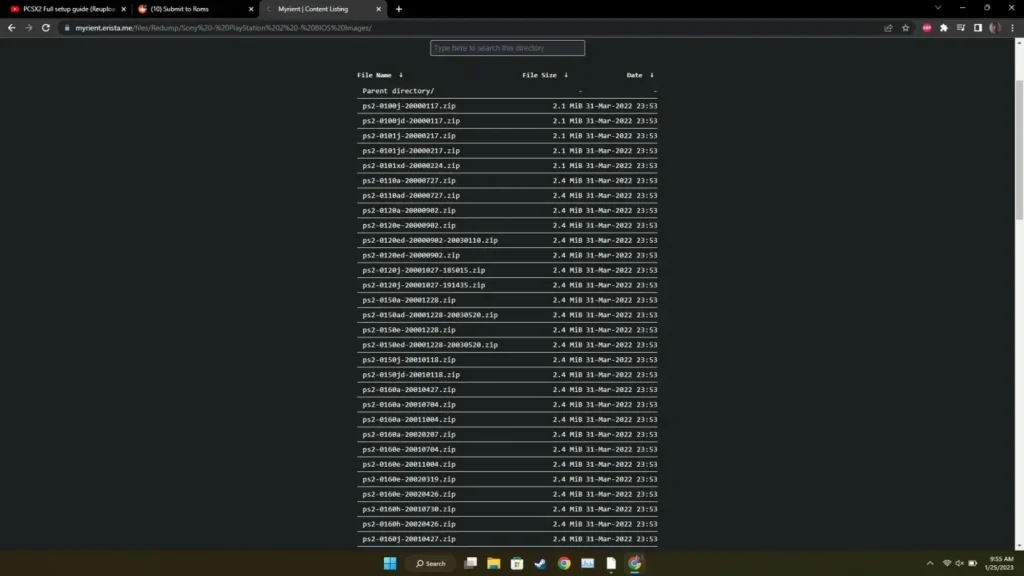
Choose the BIOS version based on your game region. All files are tested and 100% safe.
Pro Tip: Download the Full BIOS Pack if you want access to every region in a single file bundle.
How to Use PS2 BIOS on a PC Emulator (e.g., PCSX2)
Follow these steps to properly install and configure the BIOS on your emulator:
Step-by-Step Setup:
Download the BIOS File Choose the correct version based on your game’s region.
Extract the File Use tools like WinRAR or 7-Zip to unzip the BIOS archive.
Open Your Emulator Launch a PS2 emulator like PCSX2.
Configure BIOS Settings Go to the emulator’s settings > BIOS section, and select the extracted BIOS file.
Apply Settings & Save Click Apply or OK, then restart the emulator to finalize the setup.
Load and Play Your Games Add your PS2 ISO game files and start enjoying classic PS2 titles on your PC.
Common PS2 BIOS Errors and How to Fix Them
Even with the right files, you might run into some issues. Here are the most frequent errors and how to resolve them:
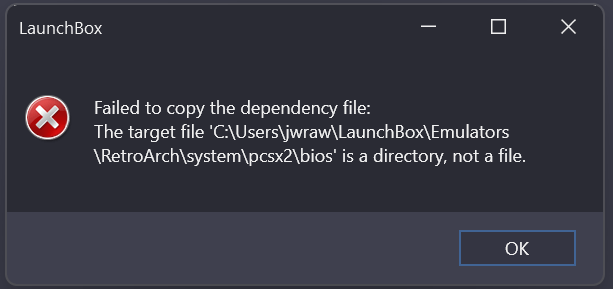
1. “BIOS Not Found” Error
Fix:
Ensure the BIOS is placed in the correct directory (usually bios/ in the emulator folder)
Double-check the file name and format (e.g., SCPH-70012.bin)
Rescan BIOS folder in emulator settings
2. Incompatible BIOS Version
Fix:
Use a BIOS version that matches your game’s region
If one version fails, try switching to another regional BIOS
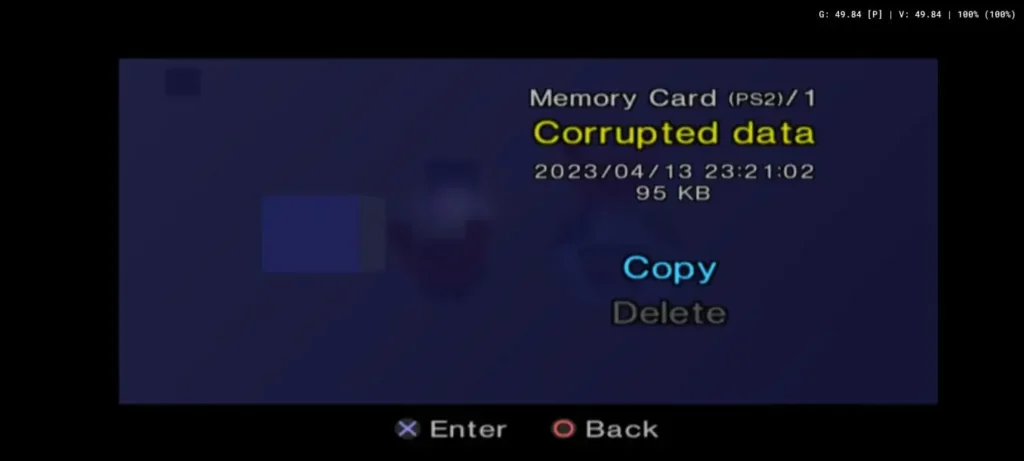
3. Corrupted BIOS File
Fix:
Re-download the BIOS file from a trusted source
Re-extract the file using ZArchiver or WinRAR
Confirm the file size and format are valid
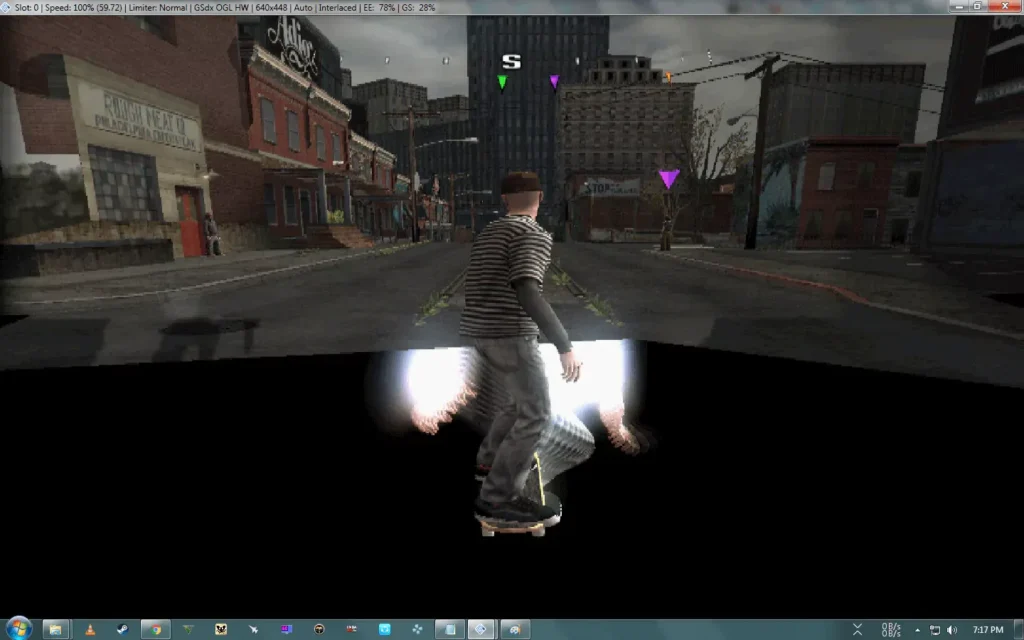
Slow Performance or Lag
Fix:
Update your emulator to the latest version
Enable speed hacks in emulator settings
Make sure your PC meets the recommended specs
5. Black Screen on Boot
Fix:
Check if the correct BIOS is selected
Verify your game ISO isn’t corrupted
Update your graphics drivers or change rendering mode
6. BIOS File Not Recognized
Fix:
Confirm the file format is .bin or .rom
Ensure it’s not accidentally renamed (e.g., .bin.bin)
Redump the BIOS using a proper method if needed
FAQs About PS2 BIOS Files
What exactly is a PS2 BIOS?
It’s a system-level firmware file that mimics the internal software of a PlayStation 2 console, required for running emulators.
How do I know which BIOS to use?
Match the BIOS region (USA, PAL, Japan, China) to the region of the game you want to play.
Why won’t my emulator detect the BIOS?
Make sure it’s in the right format, placed in the correct folder, and properly selected in your emulator’s settings.
Final Thoughts
With our collection of safe, all-region PS2 BIOS files, you’re fully equipped to run any PlayStation 2 emulator on your PC or mobile device. Whether you’re using PCSX2, AetherSX2, or any other PS2 emulator, setting up the BIOS properly is key to unlocking a smooth gaming experience.
If you run into any issues not covered in the guide, feel free to leave a comment or contact us through our support page.
🎮 Ready to Play? Download the BIOS, fire up your emulator, and enjoy the best of PS2 gaming—anytime, anywhere!