
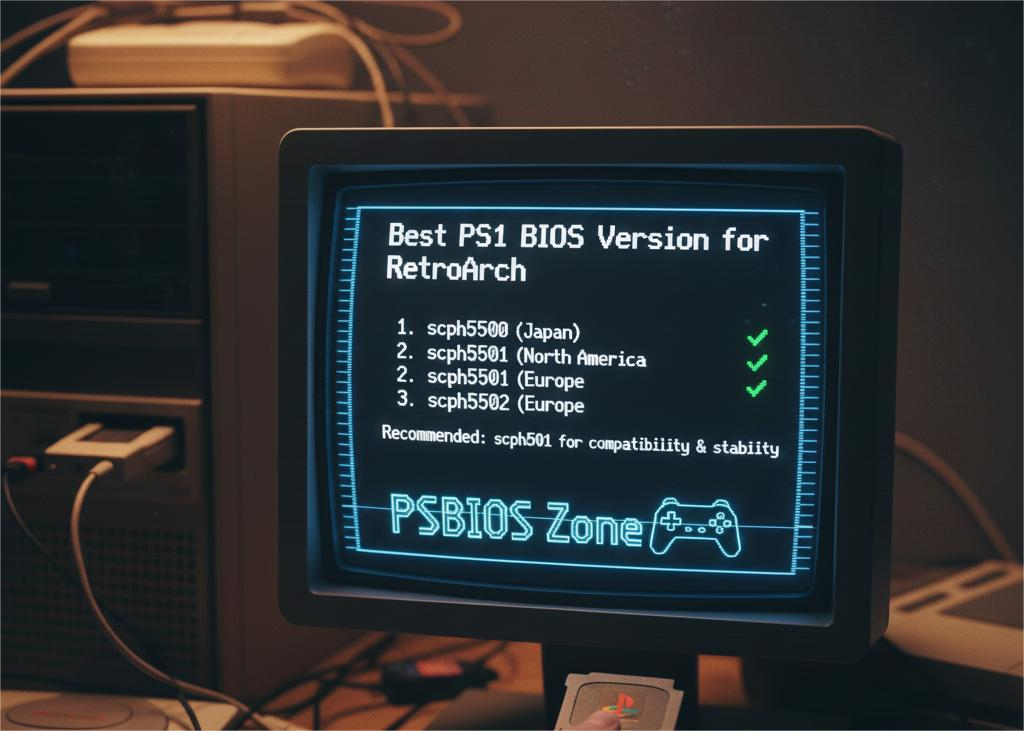
Are you enjoying classic PlayStation 1 games on RetroArch but confused about which PS1 BIOS version you should use for the best performance and compatibility? You’re in the right place! In this comprehensive guide, we’ll break down everything you need to know about choosing the best PS1 BIOS version for RetroArch, why it matters, and how to download it safely from PSBIOS Zone.
👉 Download all PS1 BIOS versions here:
https://psbioszone.com/download-ps1-bios/
🎮 What Is a PS1 BIOS and Why Do You Need It?
The BIOS (Basic Input/Output System) is the core firmware that runs the original PlayStation hardware. It controls system functions like:
- Game loading and memory management
- Region locking
- Memory card save access
- Boot sequence and hardware initialization
Most emulators, including RetroArch, require a BIOS file to accurately emulate the PS1 system. Without it, you may encounter errors, limited compatibility, or games that simply refuse to run.
🧠 Why the Right BIOS Version Matters
Not all BIOS files are created equal. Different versions correspond to different regions and revisions of the original PlayStation console. Choosing the correct BIOS version can impact:
✔ Game compatibility
✔ Stability
✔ Save file performance
✔ Accurate system behavior
RetroArch emulates PS1 best when you use a real BIOS file — not a high-level emulation (HLE) substitute.
🌍 PS1 BIOS Versions Explained
Here are the most commonly used BIOS versions:
🔹 SCPH1001.BIN (USA)
- Most widely supported and recommended for RetroArch
- Excellent compatibility with North American game releases
- Good balance of stability and accuracy
🔹 SCPH5501.BIN (Europe/PAL)
- Best for European game releases
- Slight gameplay speed differences due to PAL standard
- Great compatibility for PAL region titles
🔹 SCPH7001.BIN (Japan)
- Useful for Japanese-exclusive games
- Ensures the best accuracy for titles only released in Japan
⭐ Which PS1 BIOS Version Is Best for RetroArch?
While all genuine BIOS files work well in RetroArch, SCPH1001.BIN (USA) is generally considered the best overall choice — especially if the games you want to play were released in North America. It offers:
✔ High compatibility with most game titles
✔ Stable performance
✔ Accurate emulation in RetroArch cores
However, if you’re playing titles from different regions (e.g., PAL or Japanese releases), you may benefit from using SCPH5501.BIN or SCPH7001.BIN respectively.
👉 For convenience, it’s recommended to download all available BIOS versions from PSBIOS Zone and let RetroArch auto-detect the best match for each game.
📦 How to Install PS1 BIOS in RetroArch
Follow these steps to ensure RetroArch reads your PS1 BIOS correctly:
1. Download BIOS Files
Visit the link above and download the complete set of PS1 BIOS versions.
2. Extract the Files
After download, extract the ZIP/RAR package. You should see various .BIN files such as:
- SCPH1001.BIN
- SCPH5501.BIN
- SCPH7001.BIN
- Others
3. Place BIOS in RetroArch Folder
- Open RetroArch
- Go to Settings → Directory → System/BIOS
- Move all BIOS files into this folder
4. Verify BIOS Settings
- Restart RetroArch
- Run a PS1 game
- If RetroArch detects the BIOS, your game should load smoothly without errors
🧾 Tips for Best Results
✅ Use real BIOS files instead of HLE emulation for best compatibility
✅ Keep all region BIOS versions to cover more games
✅ Verify file names are correct (e.g., SCPH1001.BIN)
✅ Avoid renamed or altered BIOS files — they may not work properly
📌 Final Thoughts
Choosing the right PS1 BIOS version for RetroArch can make all the difference between flawless gameplay and frustrating errors. While multiple BIOS files can work, SCPH1001.BIN remains the best overall choice for most users — especially if you play North American game releases.
Don’t forget — the full set of PS1 BIOS versions is available for download at PSBIOS Zone.
Frequently Asked Questions (FAQs)
1. What is the best PS1 BIOS for RetroArch?
The most recommended BIOS for RetroArch is SCPH1001.BIN (USA) because it offers excellent compatibility and stable performance with most PS1 games.
2. Can I use multiple BIOS versions in RetroArch?
Yes. Keeping multiple BIOS versions (USA, Europe, Japan) allows RetroArch to automatically select the best BIOS for each game region.
3. Where can I download the correct PS1 BIOS files?
You can safely download the full collection of PS1 BIOS files from PSBIOS Zone:
https://psbioszone.com/download-ps1-bios/
4. Why does RetroArch need a PS1 BIOS?
The BIOS allows RetroArch to accurately emulate original PlayStation hardware functions such as booting, memory access, and region handling.
5. What happens if I don’t use a real BIOS?
Using HLE BIOS may cause crashes, missing features, save errors, and lower compatibility with many games.
6. Where should I place the PS1 BIOS files in RetroArch?
Place all BIOS files inside RetroArch’s System/BIOS directory, which you can find under Settings → Directory → System/BIOS.
7. Does BIOS version affect game performance?
Yes. The correct BIOS significantly improves stability, accuracy, and compatibility, resulting in smoother gameplay.