
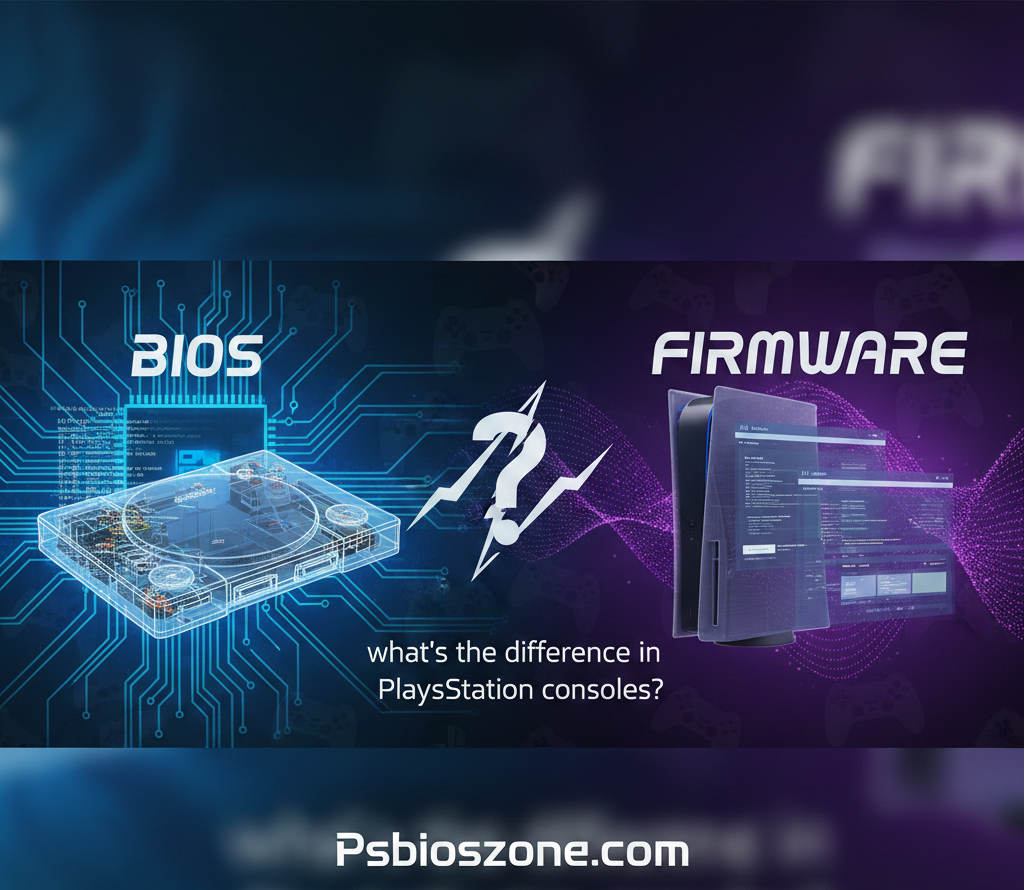
When discussing game emulation or repairing older PlayStation systems, two technical terms often appear: BIOS and firmware. While they may seem similar, each plays a distinct role in how PlayStation consoles operate. Understanding the difference helps users set up emulators correctly, troubleshoot hardware, and better appreciate how these systems function internally.
What Is BIOS in PlayStation Consoles?
A BIOS (Basic Input/Output System) is a low-level system file stored on the console that controls essential startup operations.
In systems like the PlayStation 1 and PlayStation 2, the BIOS is responsible for:
- Booting the console
- Verifying game discs
- Managing memory cards
- Handling initial hardware communication
- Providing system libraries required by games
In emulation, the BIOS is critical, especially for PlayStation consoles. Without it, emulators may fail to boot games or may exhibit serious errors.
If you need a trusted BIOS file for PS2 emulators, you can find it at
👉 <a href=”https://psbioszone.com/” target=”_blank”>Ps2 bios</a>
What Is Firmware in PlayStation Consoles?
Firmware is a broader and more modern term that refers to the software permanently stored inside system hardware. Every PlayStation console from PSP to PS5 uses firmware updates to add features, fix bugs, improve security, and enhance performance.
Primary Functions of Firmware
- Provides system features (menus, settings, user interface)
- Adds new capabilities through updates
- Fixes bugs or improves stability
- Implements security patches
- Supports new games and services
Unlike BIOS on older PlayStation systems, firmware is updatable. For example:
- PS3 receives system software updates
- PS4 and PS5 regularly get new firmware versions
- PSP and PS Vita rely heavily on firmware for features and security
BIOS vs. Firmware: The Main Differences
| Feature | BIOS | Firmware |
| Purpose | Initializes hardware and boots system | Provides advanced system functions and updates |
| Used In | Older PlayStation consoles (PS1, PS2) | Modern PlayStation consoles (PS3, PS4, PS5, PSP, Vita) |
| Updatable? | No | Yes |
| Role in Emulation | Required for accurate emulation | Rarely required; high-level emulation replaces firmware |
| Security | Basic checks | Advanced security and anti-piracy features |
Simple Explanation
- BIOS = The console’s original startup instructions (fixed and essential).
- Firmware = The console’s operating system (updatable and feature-rich).
Why BIOS Matters More for PlayStation Emulation
When running PS1 or PS2 games on PC or mobile emulators, a BIOS file is often required for:
- Proper boot sequences
- Authentic game behavior
- Improved compatibility
- Reduced crashes and glitches
- Accurate memory card handling
For PlayStation emulation, having a correct and verified BIOS file is extremely important. Users commonly download the PS2 BIOS from trusted sources like:
👉 <a href=”https://psbioszone.com/” target=”_blank”>Ps2 bios</a>
This ensures smooth setup with emulators such as PCSX2.
Does Firmware Matter for Emulation?
For modern systems such as PS3, PS4, or PSP, emulators do not always need firmware files. Instead, they rely on:
- High-Level Emulation (HLE) for system functions
- Custom libraries created by emulator developers
- User-installed game updates
However, some emulators—especially RPCS3 (PS3)—allow or require you to install official console firmware to ensure maximum compatibility.
Final Thoughts
Although BIOS and firmware both play crucial roles in PlayStation hardware, they are not the same:
- BIOS handles low-level startup operations and is essential for emulating classic PlayStation systems.
- Firmware governs the full system software experience and evolves through updates on modern consoles.
For anyone setting up PS2 emulation, securing a proper BIOS file is the first and most important step. You can get a reliable version here: