
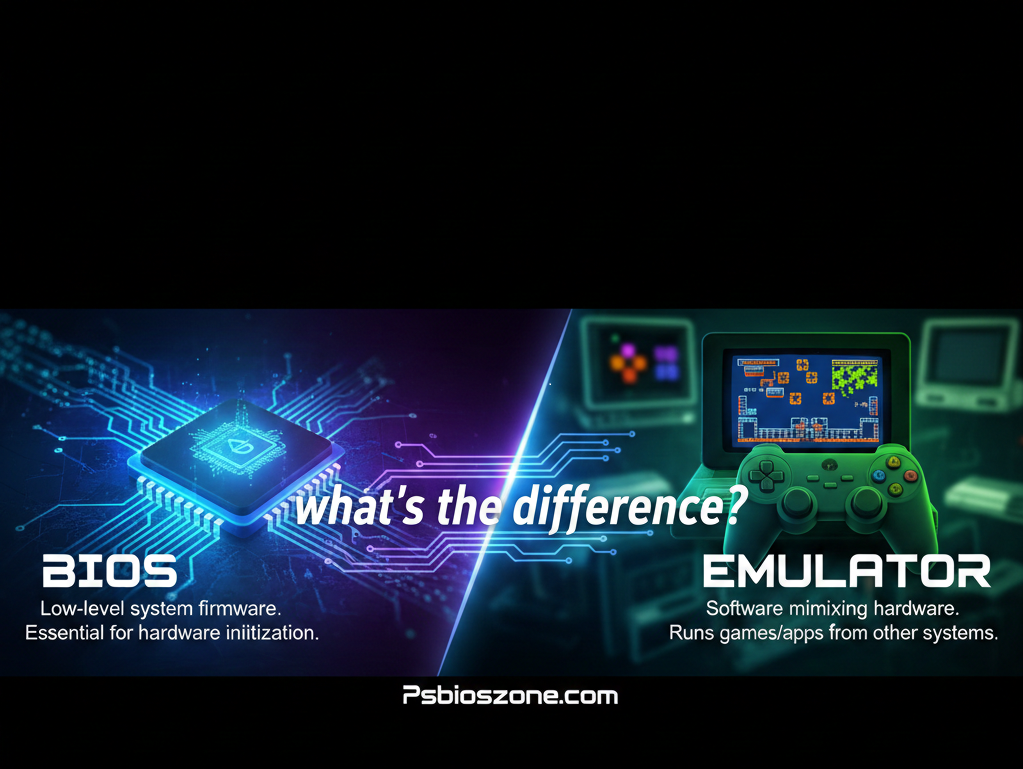
When it comes to running classic PlayStation or other console games on modern devices, two terms appear often: BIOS and Emulator. Although people sometimes confuse them, each plays a very different role in game emulation. Understanding the difference helps you set up your system correctly—and ensures smooth, accurate gameplay just like the original console.
What Is an Emulator?
An emulator is a software program designed to mimic the hardware of a video game console.
Its main job is to recreate the behavior of the original system so that games can run on computers, Android devices, or other platforms.
Key Functions of an Emulator
- Simulates console hardware (CPU, GPU, memory, controllers)
- Allows loading and playing game ROMs/ISOs
- Adds modern features such as:
- Save states
- HD rendering
- Controller mapping
- Mods and patches
- Save states
Popular emulator examples include PCSX2, RPCS3, PPSSPP, and RetroArch cores.
In simple terms:
The emulator is the machine. It acts as the console.
What Is a BIOS?
A BIOS (Basic Input/Output System) is a small file that contains the firmware of the actual console.
It is essential for many emulators because it provides the system’s original instructions and operational data.
For example, the PS2 BIOS contains the PlayStation 2’s official startup commands and security checks.
Many PS2 emulators cannot function properly without it.
If you’re looking for a reliable BIOS source, you can get it from <a href=”https://psbioszone.com/” target=”_blank”>Ps2 bios</a> to set up your emulator correctly.
What BIOS Does
- Boots the system and initializes hardware
- Ensures game compatibility
- Performs region and security checks
- Helps the emulator imitate the console more accurately
In simple terms:
The BIOS is the console’s brain. It tells the emulator how the real console behaves.
BIOS vs. Emulator: Core Differences
| Feature | Emulator | BIOS |
| Purpose | Recreates console hardware through software | Provides the firmware used by the original console |
| Required to Play Games? | Yes | Often yes (depends on console) |
| Controls System Boot? | No | Yes |
| Adds Modern Features? | Yes | No |
| Source | Third-party software developers | Extracted from the original console |
Easy Explanation
- Without the emulator, the BIOS has nowhere to run.
- Without the BIOS, the emulator may not run games properly—or at all.
They work together to create a complete, functional gaming environment.
Do You Always Need a BIOS?
Not all emulators require a BIOS. Some systems allow HLE (High-Level Emulation), which replaces the BIOS with developer-created code.
However, for systems like the PS2, PS1, and PSP, using a BIOS improves:
- Accuracy
- Game compatibility
- Stability
For the best experience—especially with PlayStation emulation—a proper BIOS is strongly recommended.
Why BIOS Files Matter for PlayStation Emulation
PlayStation consoles rely heavily on firmware behavior, so a BIOS ensures:
- Correct boot sequences
- Proper memory card handling
- Region compatibility
- Fewer graphical glitches and crashes
Players seeking top performance and faithful emulation usually use a verified PS2 BIOS file.
You can download it conveniently from <a href=”https://psbioszone.com/” target=”_blank”>Ps2 bios</a>.
Final Thoughts
While emulators create the virtual console environment, the BIOS supplies the genuine system firmware needed for accurate operation. Both are crucial for running classic games smoothly and authentically.
If you’re setting up PlayStation emulation, make sure you have:
- A reliable emulator
- A correct and compatible BIOS file
Together, they recreate the original console experience with modern enhancements.